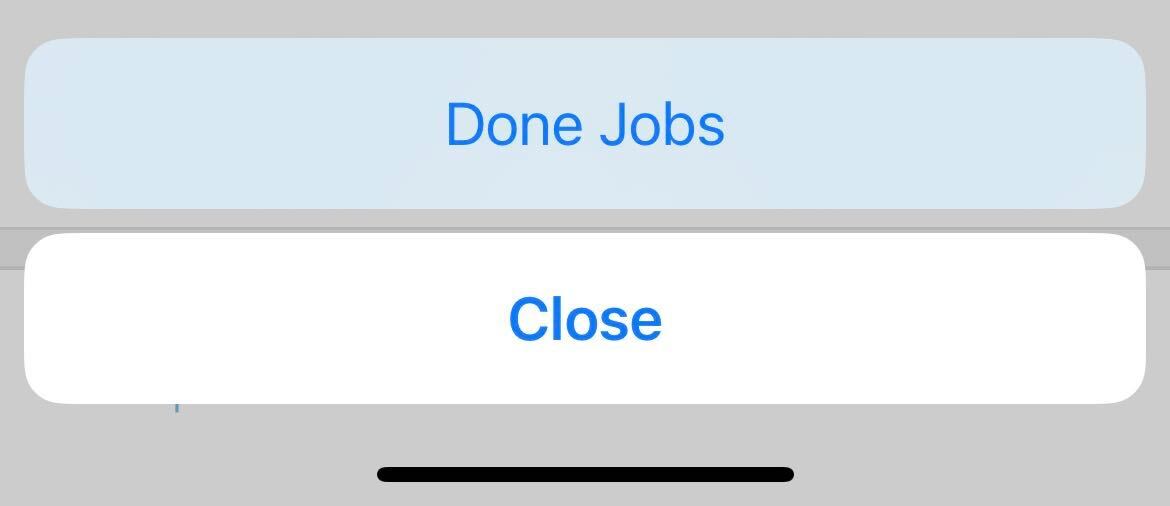
In the Swoop Mobile app, you can click on the 3 dot menu and select "Done Jobs."
Once clicked, you will be brought to the Done view where all jobs can be seen.
English

In the Swoop Mobile app, you can click on the 3 dot menu and select "Done Jobs."
Once clicked, you will be brought to the Done view where all jobs can be seen.